
Last subject in VMware and 2023 has finally come to an end
VMware has officially announced that vCenter Server appliance is the default deployment of the vCenter server and Windows based vCenter Server will be discontinued in the next numbered release.
Only vCenter Server 6.0 and 6.5 versions can be upgraded directly to vCenter Server 6.7 version
VMware vCenter Server (VCS) Converter Appliance which enabled users to migrate from vCenter Server for Windows and an external MS SQL database to a VCSA with an embedded vPostgres database.
Let’s get to it
Here is tool which is part of the new VCSA vSphere 6.0 Update 2m

i will unzip it

and here all the files i will start Migration Assistant
Click YES
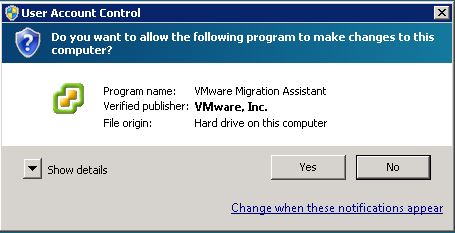
Enter the Administrator password 
the Script will extract
Once it mention for you to start the migration we will jump to the files again
Now go to D:\VMware\VMware-VCSA-all-6.7.0-10244745\vcsa-ui-installer\win32
Click on Installer.exe

Choose Migrate
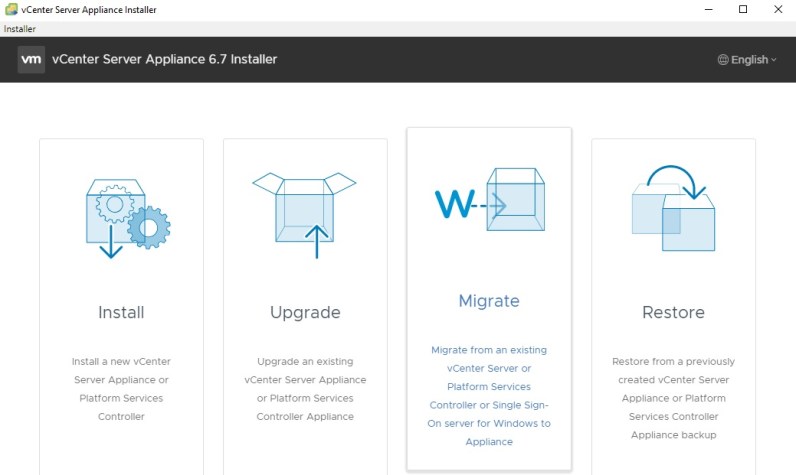
Click Deploy
i Accept the License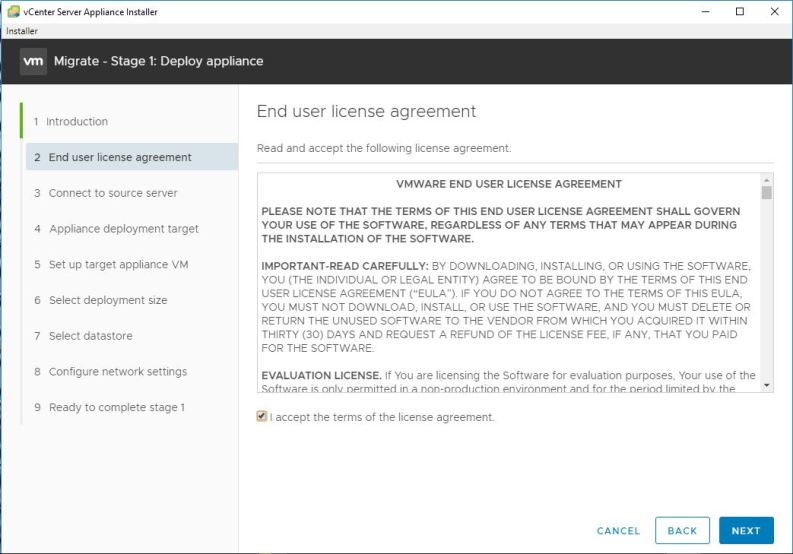
Enter the detail of the Source vCenter
I will verify the thumbprint
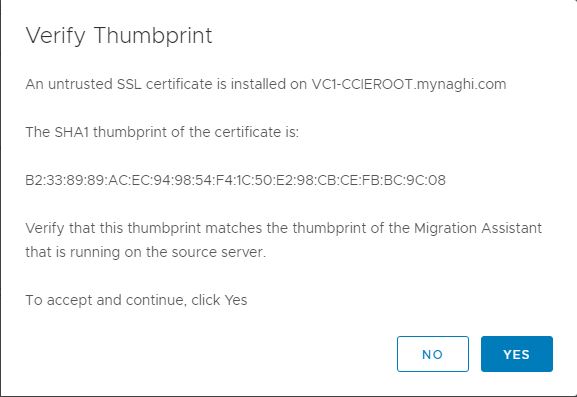
Enter the Target vCenter Detail
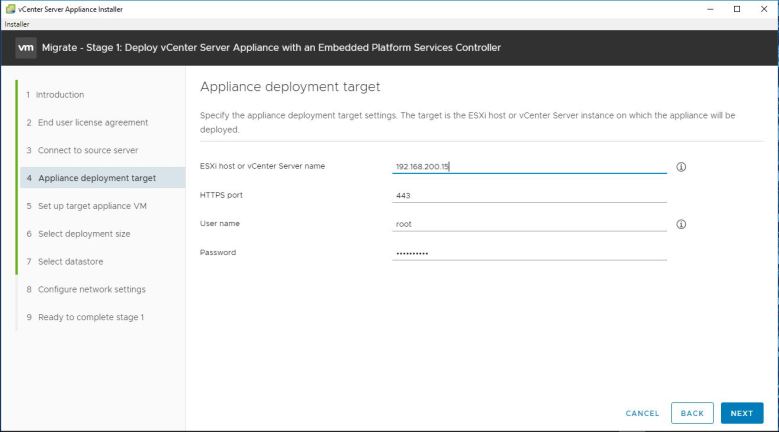
Click YES

Put the new Name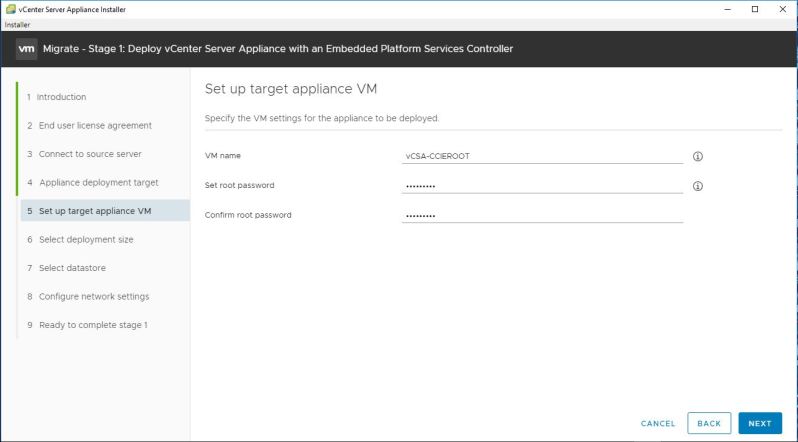
Select the Deployment Size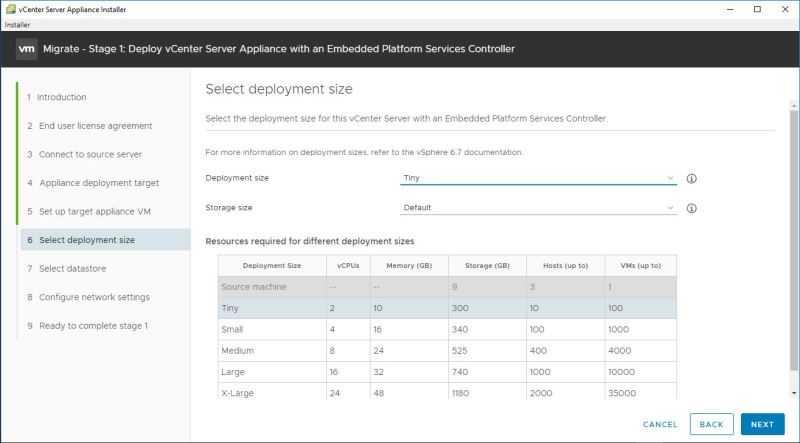
Select the Datastore
Choose the network configuration
Click FINISH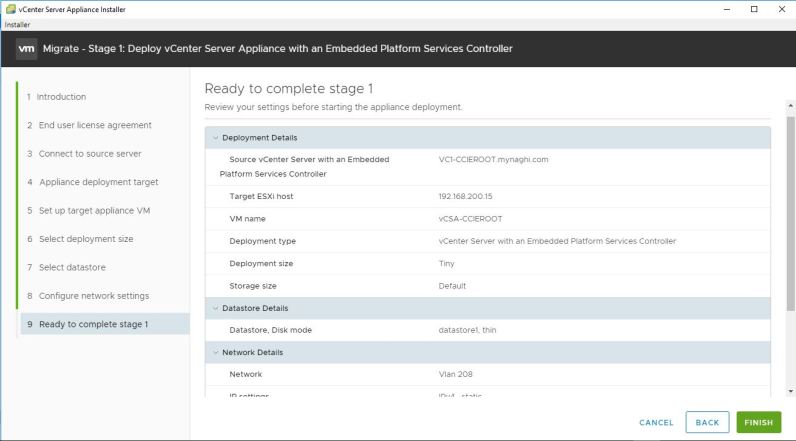
Monitor the Deployment
Click CONTINUE
Click Next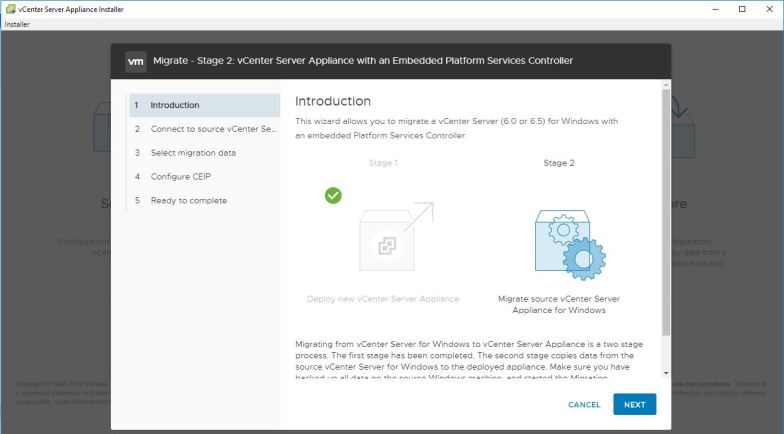
Save in progress 😀
Pre-migration Check but that is ok since it’s a lab
enter the detail to join the machine to the domain
Validation Success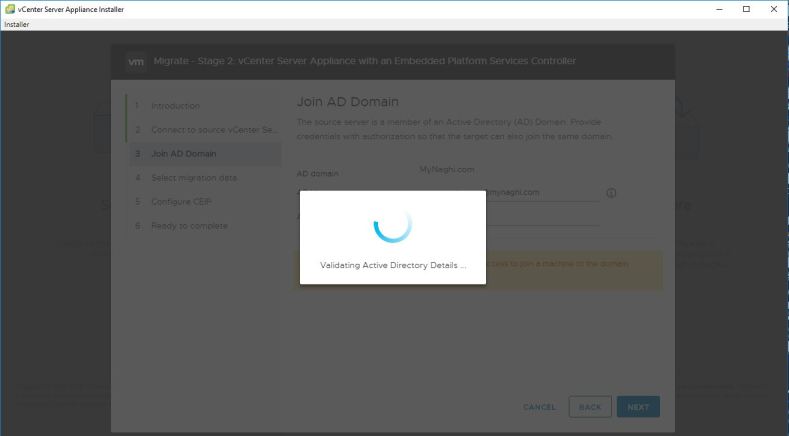
Select the Migration data 
Click Next
Click FINISH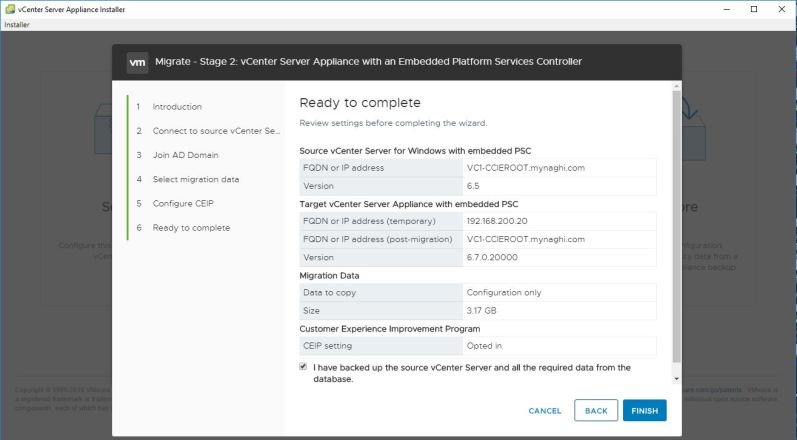
Click OK to shutdown the machine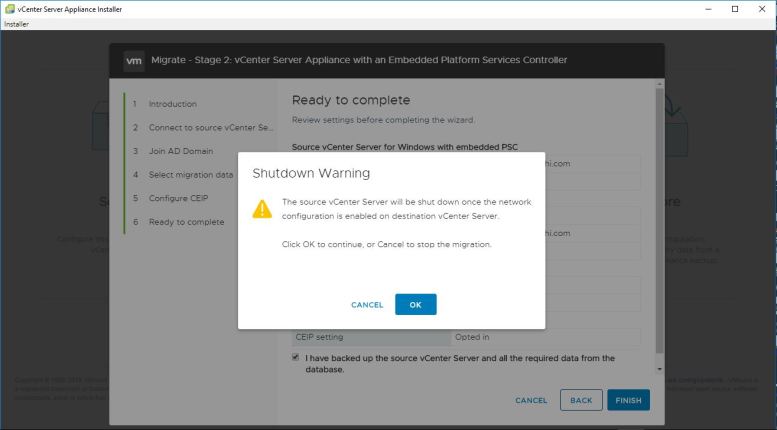
it will take coupe of minute to Start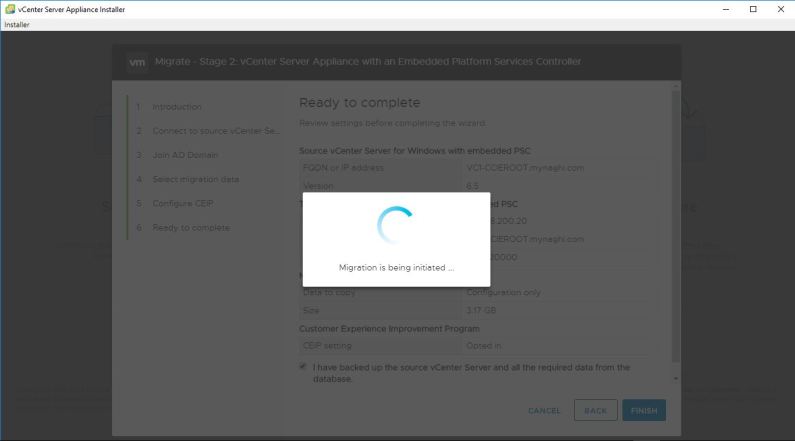
the data will be copies from the source
then the target machine will start the services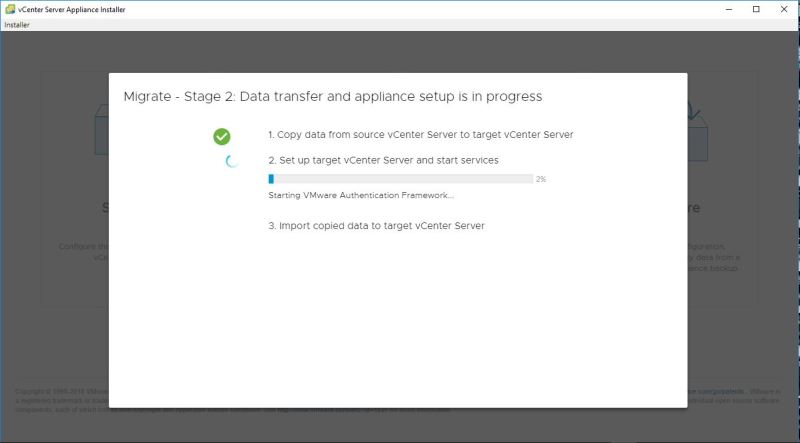
Warning messages will show up just press OK
and Done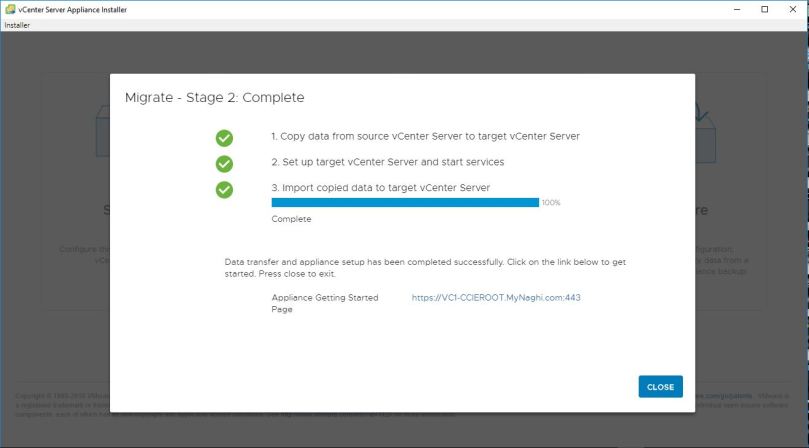
Now when i browse to the URL i will see the new machine
Click to Launch vSphere Client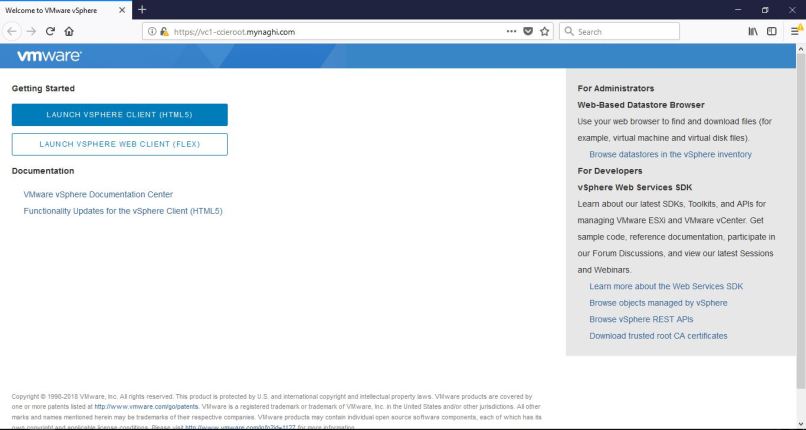
I will use same login that i used for the old vCenter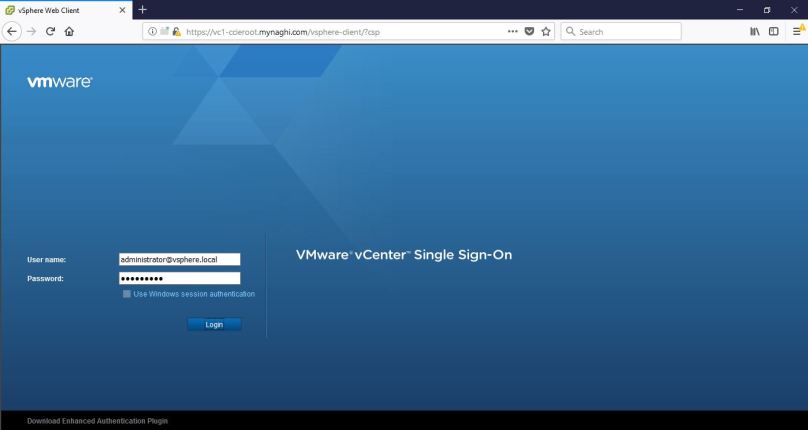
and YES it work perfectly and Happy New Year everyone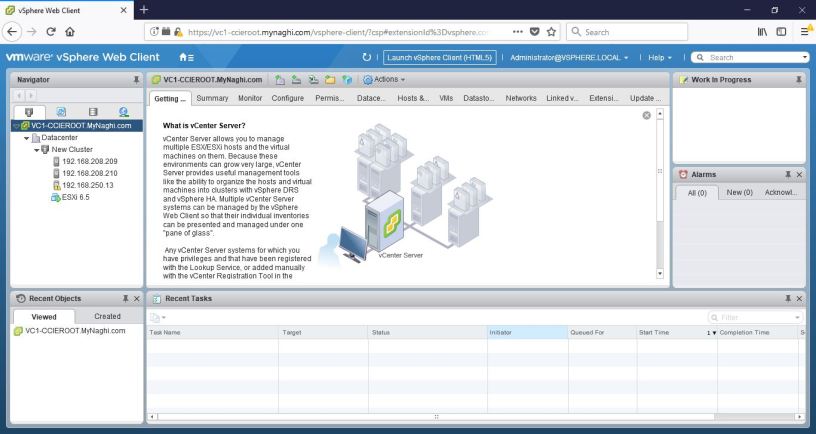
 Root
Root 