
Long Time No See ;D
i think by now everyone realize that cisco product Jabber Voice cant be downloaded in IPhone anymore which affect everyone as there EOL9796 – Amended
Cisco announces the end-of-sale and end-of-life dates for the Cisco Jabber Voice for iPhone. The last day to order the affected product(s) is January 31, 2015.
and i never cared after that till last week my manager Mr.Anas Aldeiri was in vacation and request to have his extension in his phone by any mean and i start to keep looking and found out that there is another Cisco Jabber.
the New Cisco Jabber provide you by Chat, Phone Service, Conference and share photo
Last Post i show you how to Install & Configure IM and Presence 9.1 with CUCM 9.1 The Next step is to configure Jabber which can be done in a simple steps
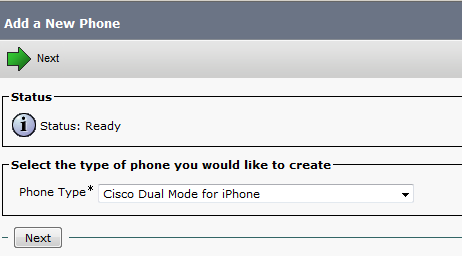
First Just like you Adding a Normal Phone
Device – Phone – Add New
Cisco Dual Mode for iPhone
Then for IPhone Name Always start with TCTname and you should choose the Owner and the Primary Phone and the Digest User


Also enable video cause it’s disable by default

Second Add the Directory Number and Associate the Phone with the User


After that go to the User Option and Add the phone to the User

Now your Device is Ready go in your IPhone and Download from APP Store the Application Called : Cisco Jabber

Please Excuse My Phone i dont Look at Email or SMS Alot
the APP Store Icon in Left Corner Down

Now i Open the Application and Enter the Advanced Setting to Configure my IM Presence Option. you also can configure Phone Service Only or Webex
in Our Case My IM Presence IP Address is 192.168.200.10 and CUCM is 192.168.200.6

Then Save and Back to Login Option
Put the Username and then Continue for Password Input


Finally I’m Done and You Can See i’m Available

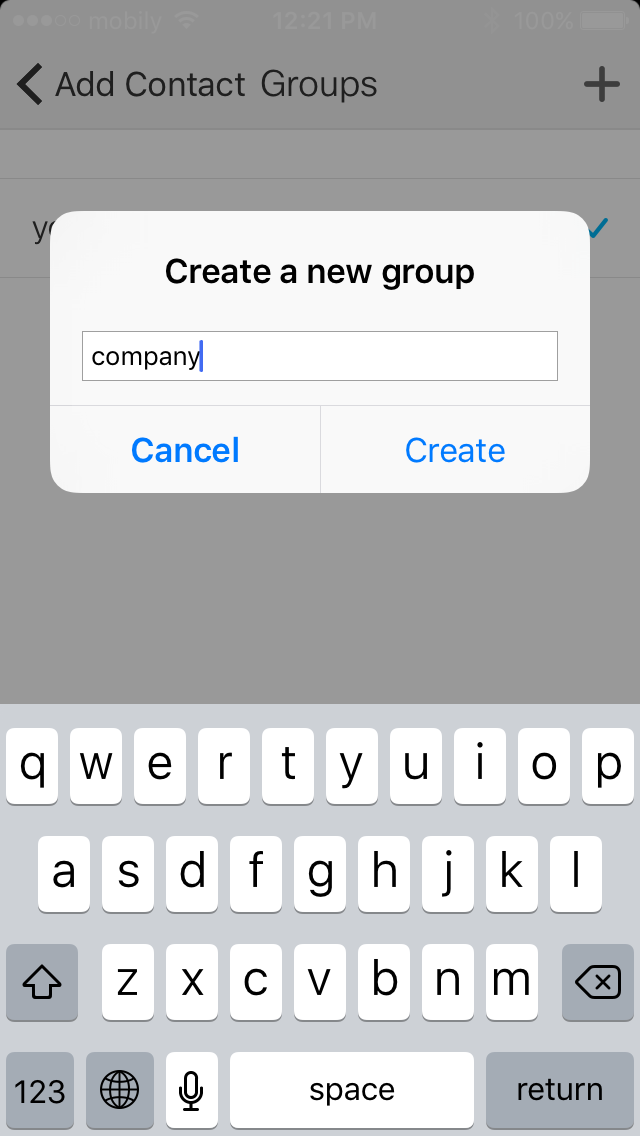
Then Let me Choose Contact to add my College Coco Test1 and Add him to a Company Group, I can also add him to my Favorite




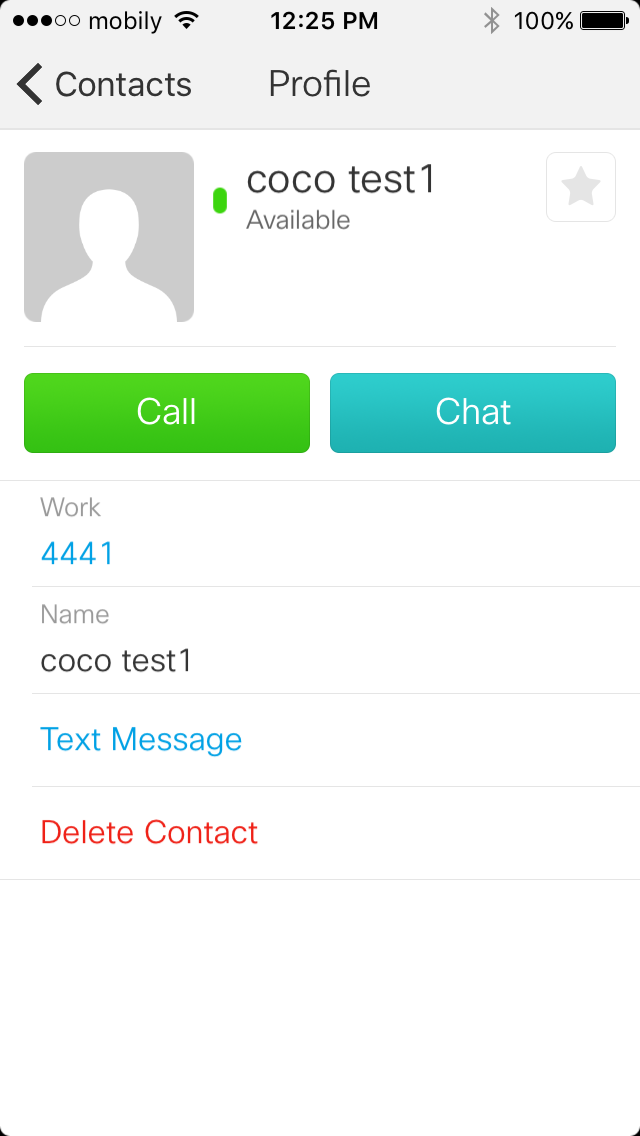
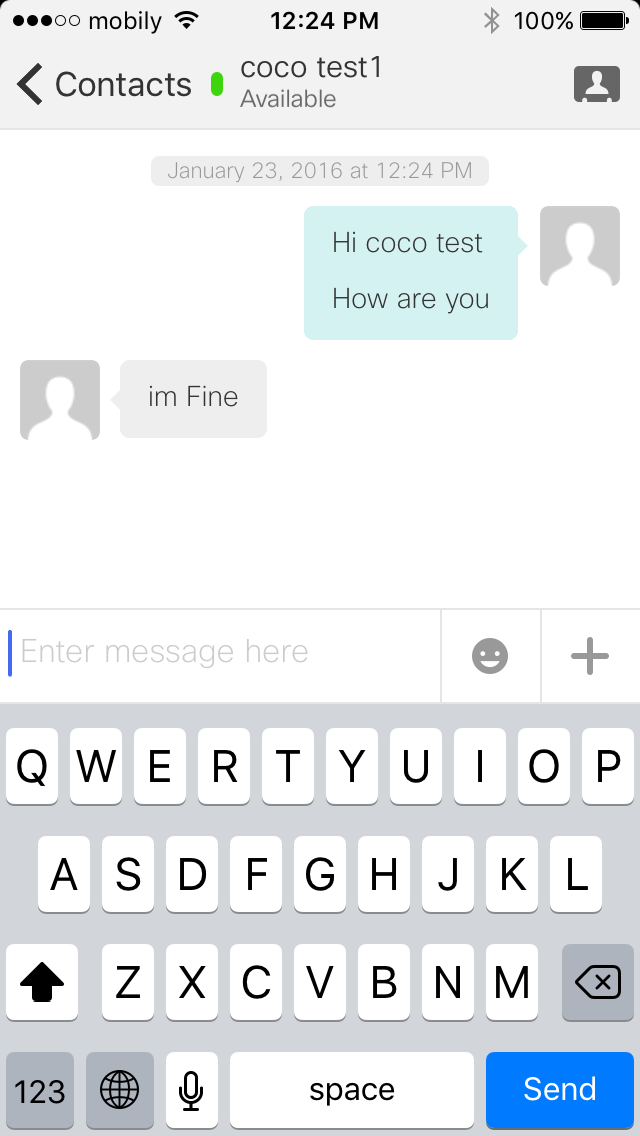
I Click in the Right Arrow i can Call and Chat with my College COCO Test1 which he have Jabber in his PC


I have the Ability to Hold, Transfer and make Conference

Inside the Chat i have the option to Send a Picture too
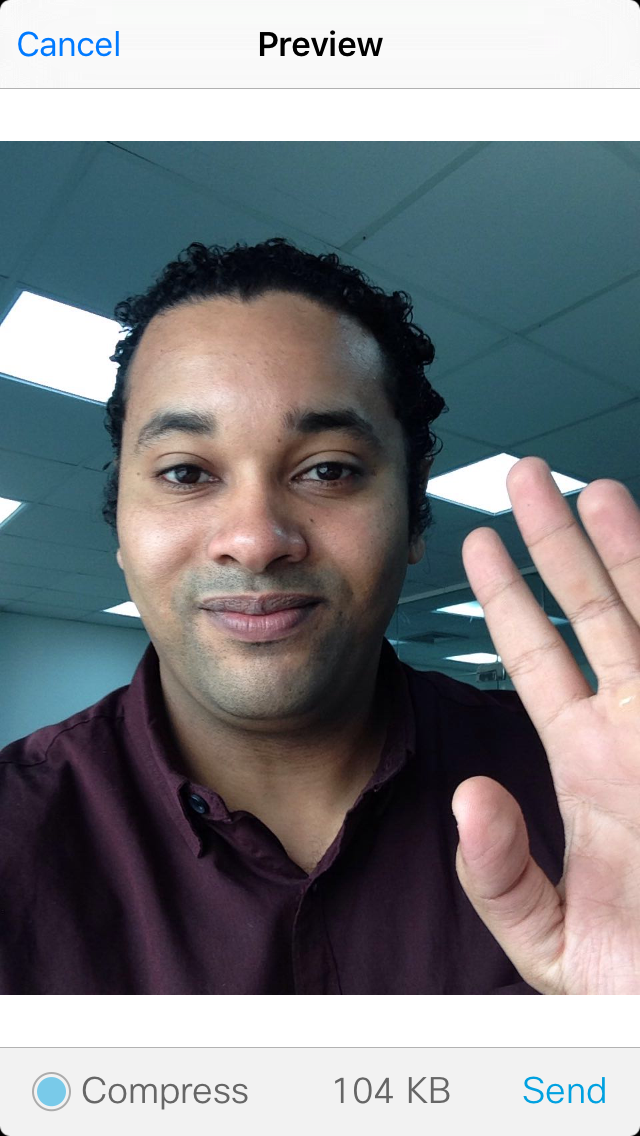


You can also have video call

Also show me My Recent Call 
and the Status of my Jabber

And Just Like That I made my Manager Happy
 Root
Root 